bcsculpture.com - Interactive 3D Sculpture Gallery
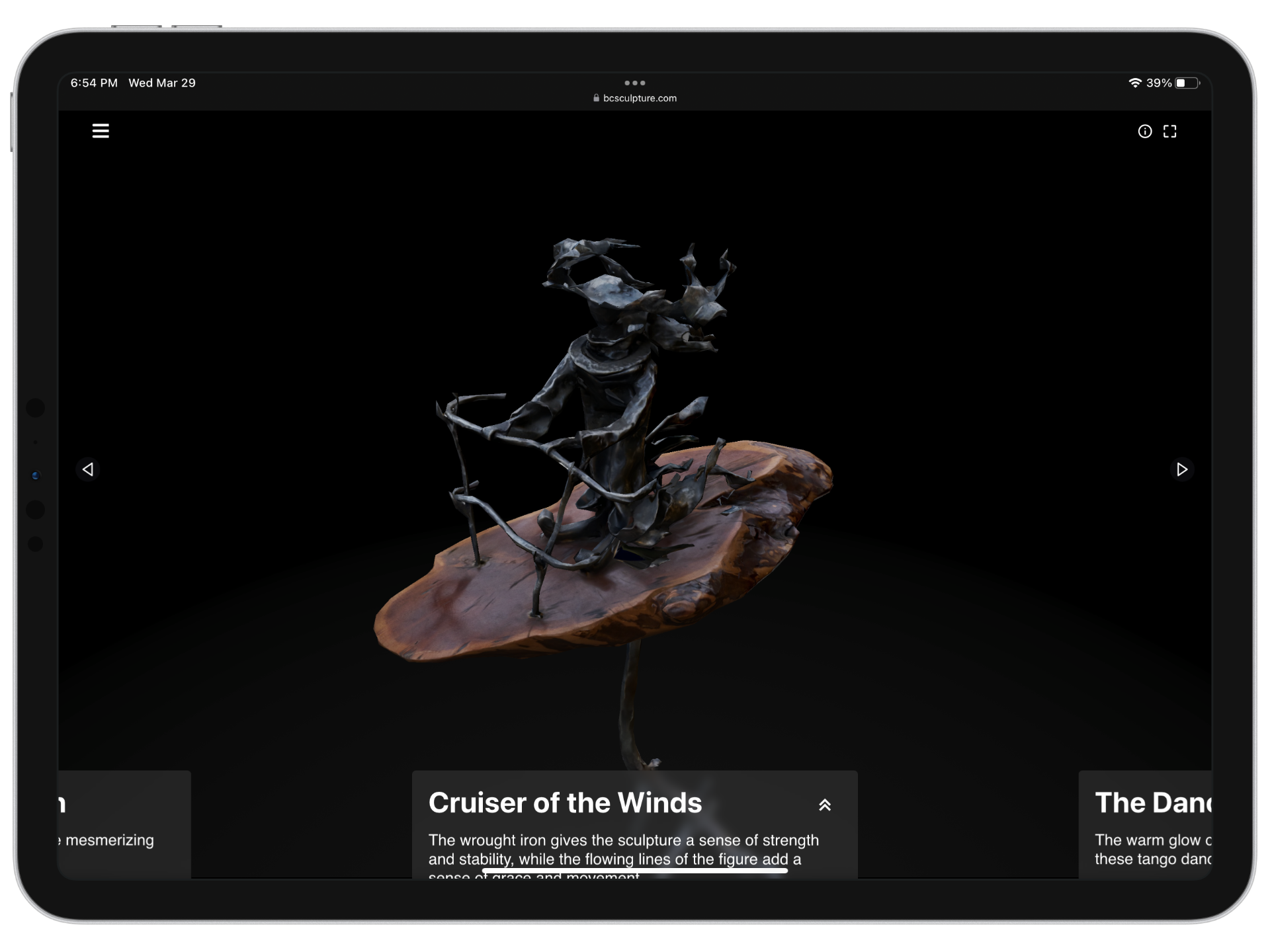
BC Sculpture is a 3D gallery for Miran Elbakyan’s work. I helped capture and present the pieces as interactive models, with camera movement built into the page. It was partly a website, partly a computational photography exercise, and partly an argument that sculpture documentation can be more than flat thumbnails.
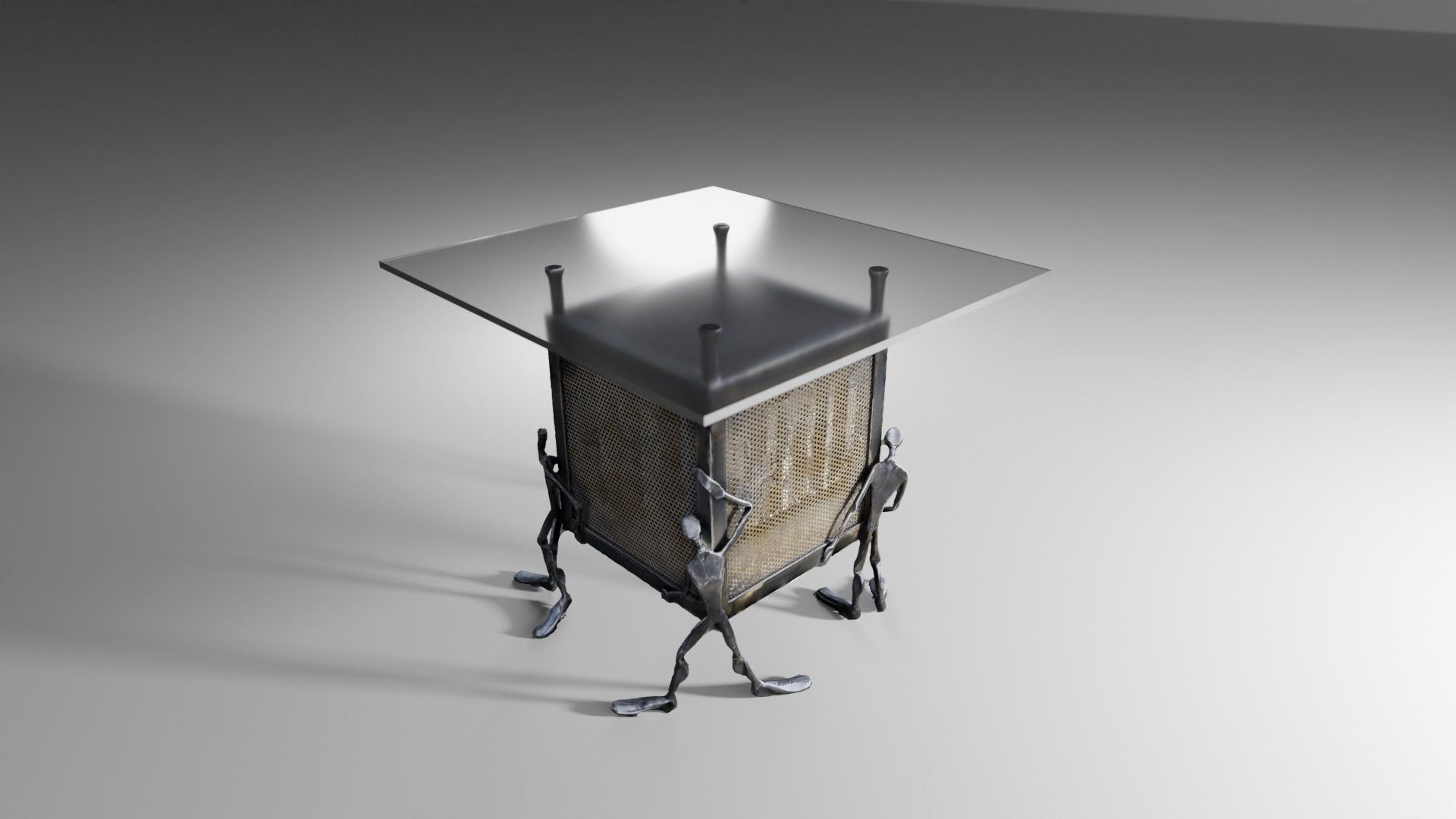
The gallery lets visitors inspect sculptures as 3D objects. The trick is not magic: hundreds of photos become a dense scan, the mesh is simplified, and the original texture is projected back onto the lighter model.
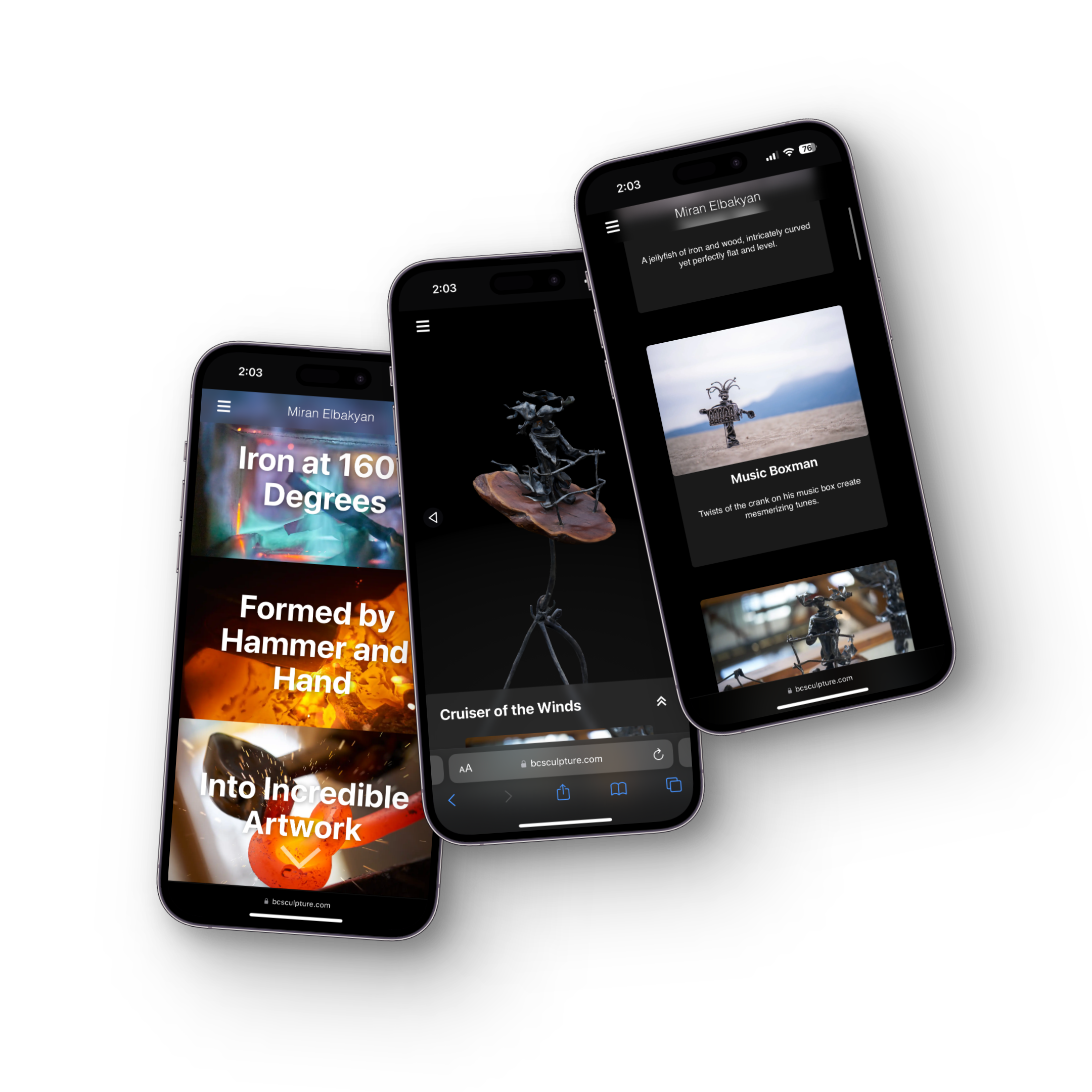
The goal: Adequately display the complex, geometric works of Miran Elbakyan on the web, with good performance.
Step 1 - Photogrammetry
First, hundreds of ultra high resolution photos are taken of the sculptures, providing gigabytes of visual information. These photos are then processed to enhance sharpness and contrast for more detailed textures and better edge detection, and are fed through a custom photogrammetry pipeline based on Apple’s Object Capture API.
Step 2 - Compression
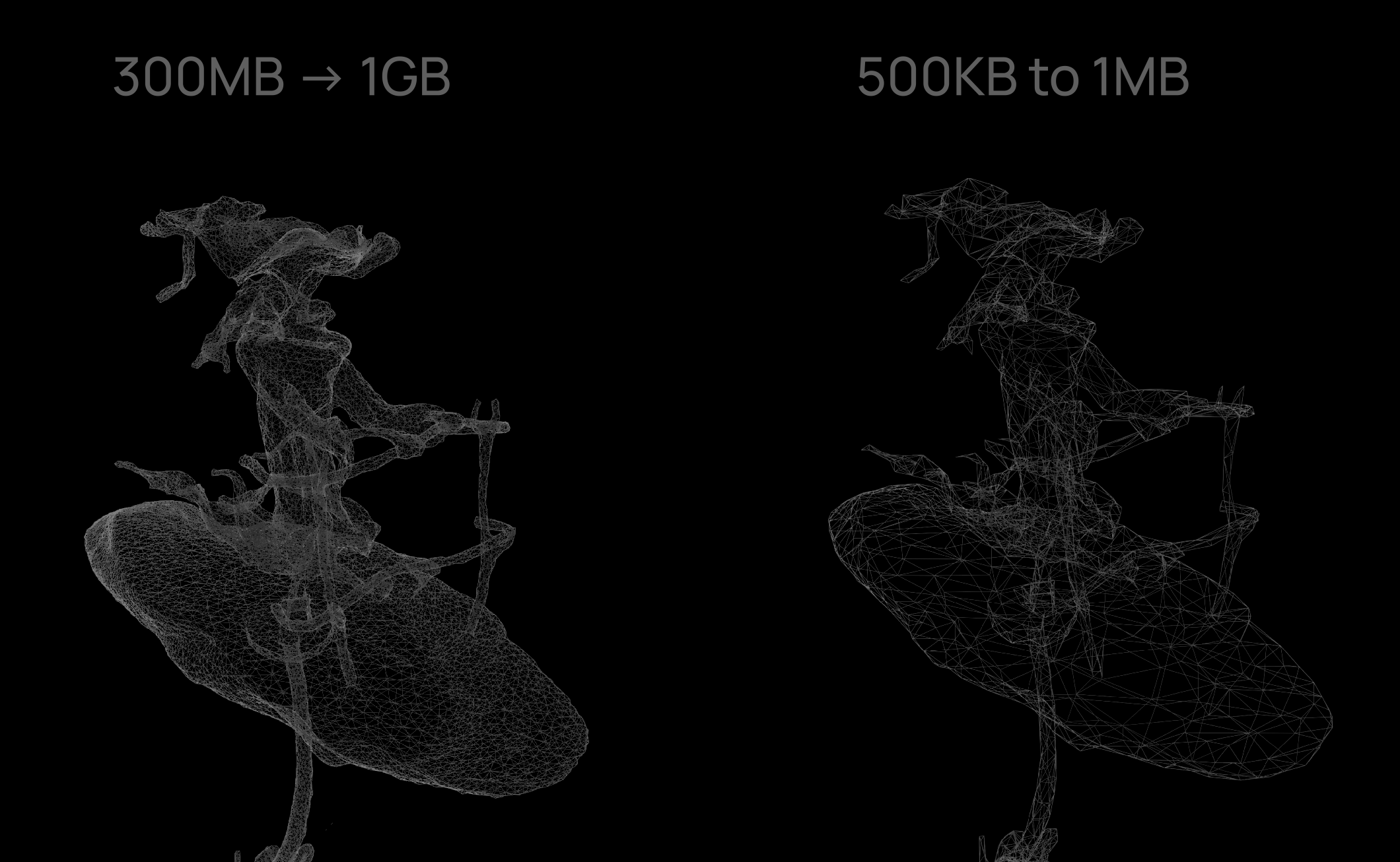
Photogrammetry results in large meshes with a lot of redundant info — thousands of triangles to represent flat surfaces. These inefficiencies present an issue for load times as well as performance on older devices. To address this, a custom compression script creates a mesh that fits the original within some tolerance, but uses a minimum number of triangles. This new mesh is then simplified by combining triangles whose removal minimally changes the geometry. We can see this process in the dramatic reduction in triangles representing the flat platform on which the character stands, while maintaining a lot of triangles in the complex geometry of the feet, clothing, hands, and hat of the character.
Step 3 - Texture Reprojection
Once the model is remeshed, the image textures which applied to the original models are no longer mapped to the geometry,
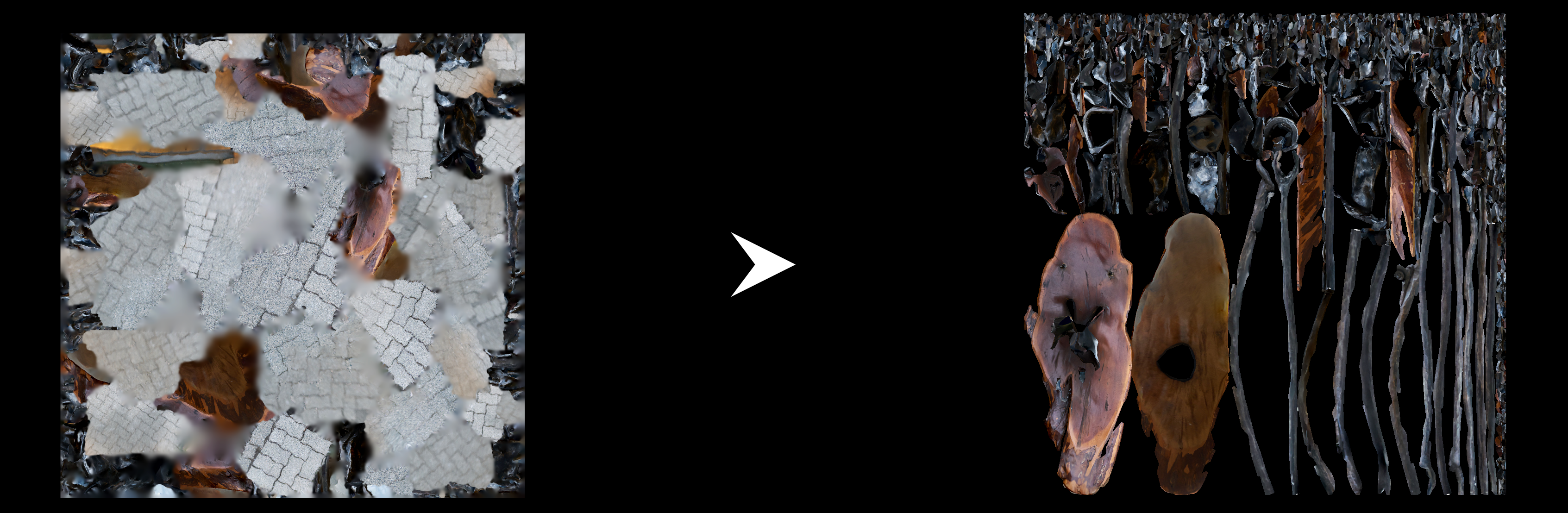
and the original texture files often include information about parts of the scene which are cropped from the original model. The texture is re-built by ray casting from the original textured model onto the simplified one, taking the color of the nearest part of the old geometry for every part of the new geometry. This texture is then fit to a dense and efficient texture map.
Step 4 - Web Deployment, SSR, Progressive & Lazy Loading
In deploying this project, one of the main goals was to have an zero javascript initial page load, and then to gradually load in complex and large JS components invisibly. We can see this on the homepage where the 3d gallery is behind some scrolling, which gives the user an instant interactive page load, and gives the 3d content ample time to load as the user scrolls to it. On future page views, the 3d models and rendering engine are cached and ready to go immediately. Most users will never see a loading bar despite the complex nature of the page.
Although the website is built in React, the site is served statically via GatsbyJS, resulting in substantially faster performance, and a functional website even without JavaScript.
3d pages are rendered progressively, with several levels of detail and render modes selected based on system performance, and loaded in sequentially to allow interactivity as soon as possible.
Through these techniques, the same sculpture can load on desktop, mobile, and older devices without turning the page into a loading screen.
The 3d CMS
Using Sanity CMS custom inputs, we handle 3D models a lot like images, with preview, editing, and optimization inside the publishing tool.